Controllo remoto WebViewer LAN
To perform a remote connection the HMI panel must be connected at the LAN via ethernet 2 port (the RJ45 port on the cabinet).
Once connected you can establish the Web Viewer connection with the HMI panel using a PC connected in the same network. Enter the following address on a web browser: http://ipaddress:8082/webviewer/index.html
In place of "ipaddress" insert IP of the HMI panel. The IP address can be reached via the menu in Settings > Panel > Hardware
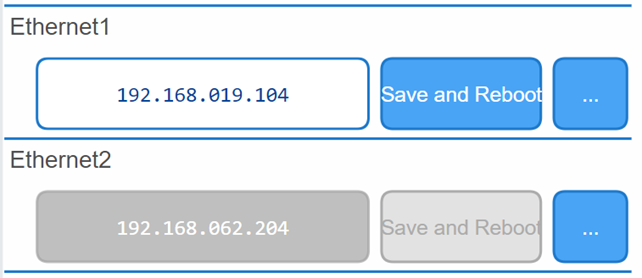
In the picture above the ethernet 2 IP address is 192.168.62.204 so the URL to insert in the browser is http://192.168.62.204:8082/webviewer/index.html
Login with the same credentials as HMI panel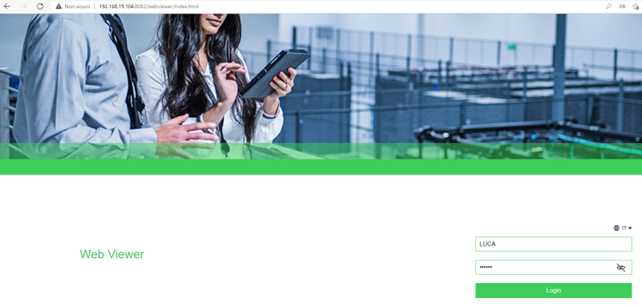
Once logged in will be showed the page currently displayed on the panel.
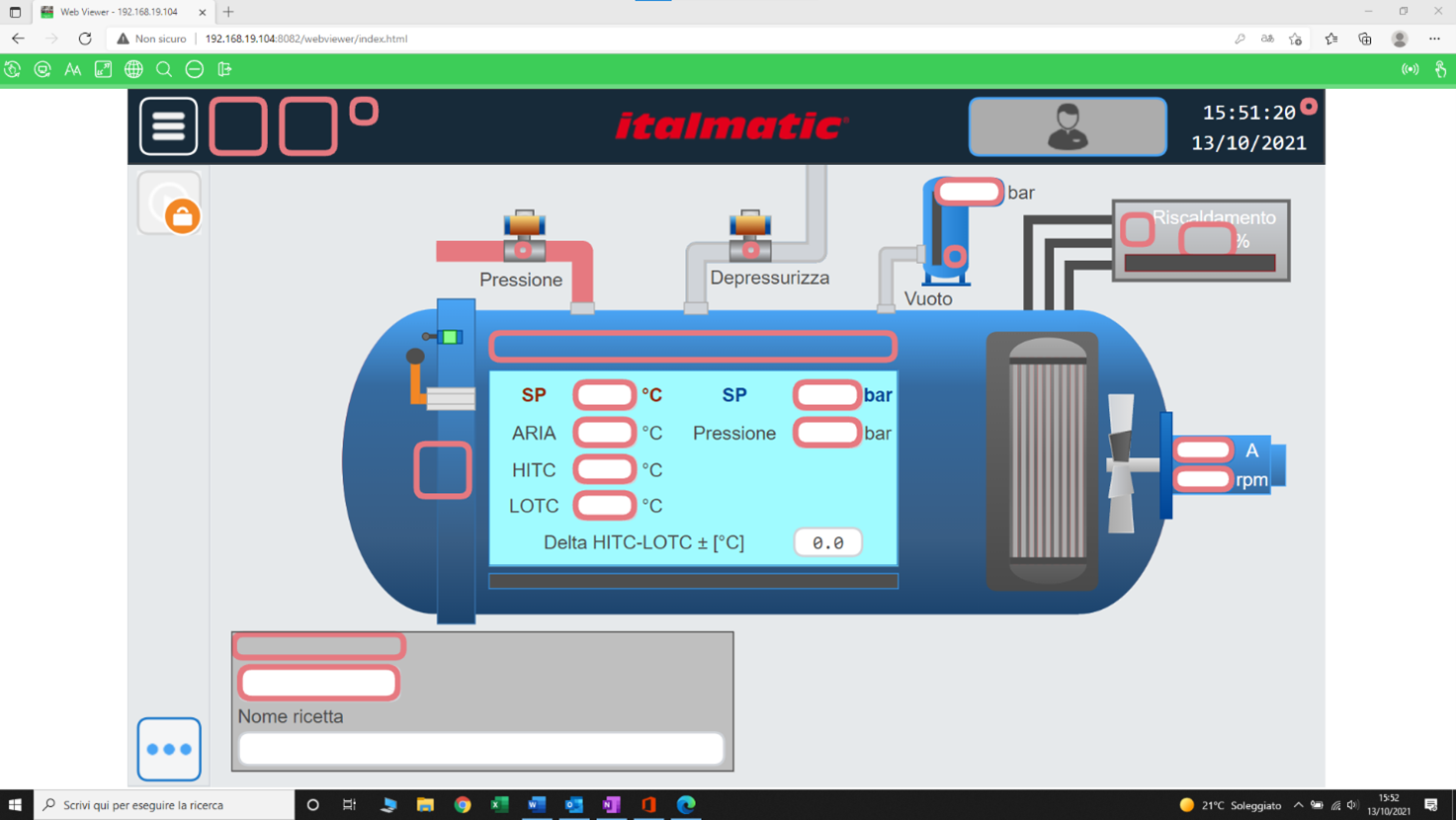
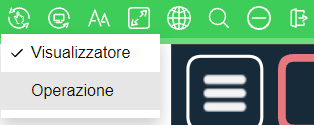
To "interact" with the panel click on the first button in the top left and click on "Operation"
Remaining in "View" mode will only be able to display the screen.